
Streamline Navigation with Real-Time Updates
Android Auto significantly enhances your navigation experience by providing real-time updates and dynamic route adjustments. With Google Maps or other supported navigation apps, you receive turn-by-turn directions, traffic alerts, and alternative route suggestions based on current conditions. The large display in your vehicle’s infotainment system ensures that directions are easy to follow, reducing the need to glance at your phone and improving overall driving safety.
Enjoy Seamless Media Integration
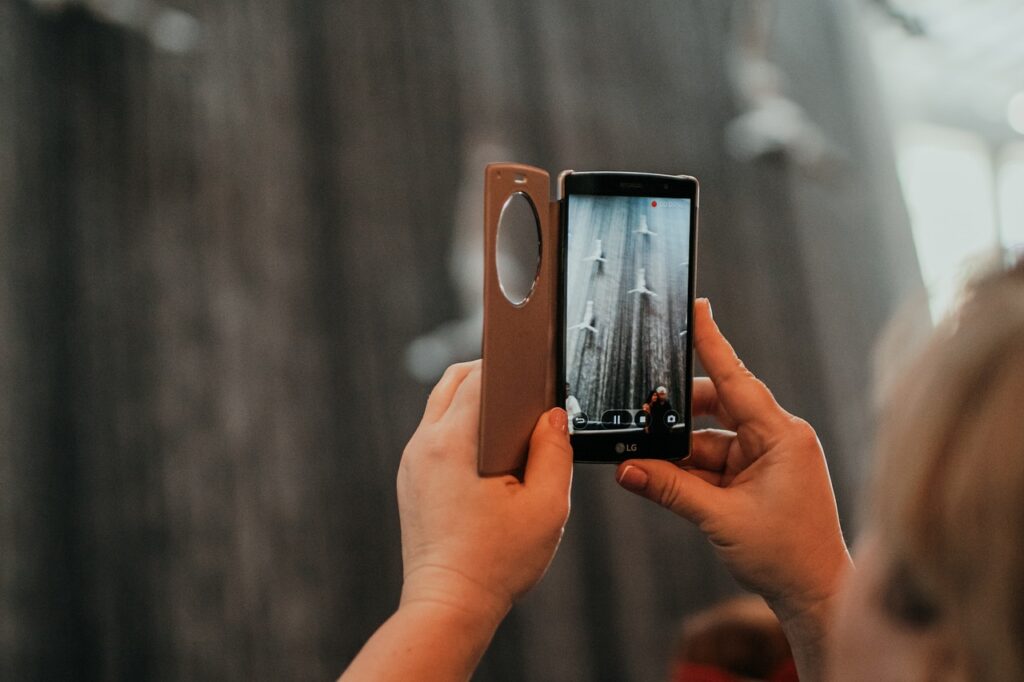
Android Auto integrates smoothly with a variety of media apps, allowing you to access and control your music and entertainment directly from your car’s display. Whether you use Spotify, YouTube Music, or another service, you can browse playlists, albums, and stations with ease. The intuitive interface helps you manage your media without distractions, making it easier to stay entertained while on the road.
Use Voice Commands for Hands-Free Control
One of the standout features of Android Auto is its voice command functionality, which allows you to control various aspects of your device without needing to touch the screen. You can use voice commands to navigate, play specific songs, send messages, or make calls. Simply press the voice command button on your steering wheel or the touchscreen, and speak your request. This hands-free control helps keep your focus on driving and enhances overall safety.
Access Important Information Instantly
Android Auto provides quick access to essential information such as weather updates, nearby points of interest, and notifications. For example, you can check the weather forecast for your destination or find the nearest gas station without having to manually search on your phone. This instant access to information helps you make informed decisions and ensures that you stay well-prepared during your drive.
Customize Your Driving Experience
Personalizing your Android Auto setup allows you to tailor the system to better suit your preferences. You can arrange app icons on the home screen for easy access to your most-used apps. Additionally, you can adjust navigation settings, audio preferences, and notification options to create a driving experience that is both comfortable and efficient. Customization ensures that the system works in harmony with your needs and driving habits.
Stay Safe with Notifications Management
Android Auto helps you manage notifications effectively, reducing distractions while driving. The system can read incoming messages and alerts aloud, allowing you to stay informed without taking your eyes off the road. You can also use voice commands to respond to messages or dismiss notifications, ensuring that your focus remains on driving safely.
Maintain System Compatibility and Updates
To ensure that you are getting the most out of Android Auto, it’s important to keep your device and your vehicle’s infotainment system updated. Regular updates can bring new features, enhance performance, and improve compatibility. Check for updates on both your Android device and your vehicle’s system to ensure you are using the latest version of Android Auto for an optimized driving experience.
Troubleshoot Connectivity Issues

If you encounter connectivity issues with Android Auto, such as difficulty connecting your device or problems with app functionality, start by checking your USB connection or ensuring that your phone’s Bluetooth is enabled. Restarting your device and infotainment system can also resolve many common issues. For persistent problems, consult Android Auto’s support resources or your vehicle manufacturer’s customer service for assistance.
By integrating Android Auto into your driving routine, you can enjoy a more connected and convenient driving experience. From enhanced navigation and media control to hands-free communication and real-time information, Android Auto helps make every drive smoother and more enjoyable. Customizing the system and staying updated ensures that you maximize its benefits while maintaining a safe and focused driving environment.
Leave a Reply